

What is PDF Format Repair? When is it Worth Repairing?
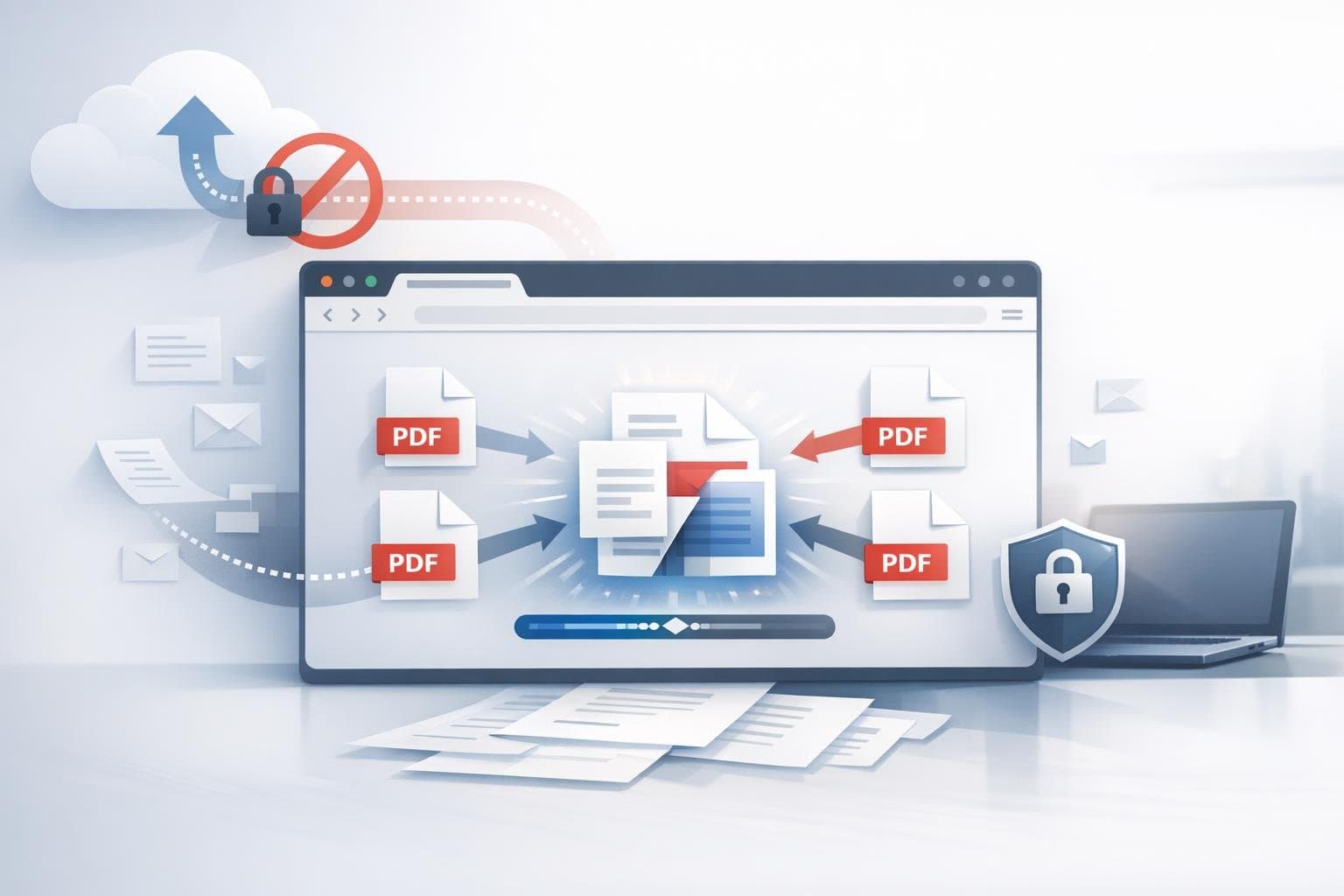
If your PDF opens but consistently encounters errors when printing, merging, splitting, or importing into other tools, the issue may not lie with 'corrupted content' but more likely with the file’s structure or compatibility. PDF format repair generally focuses not on recovering missing content but on reorganizing the structure into a more standard, easily recognized version for subsequent processes.
This is precisely why so-called 'PDF repair' often doesn't mean recovering lost content out of thin air, but rather reorganizing the original file into a more standardized version that's easier for other software to recognize. If you need to continue printing, archiving, merging, splitting, or handing it over to third-party systems for processing, this step becomes quite common.
Quick Answer: What Exactly Does PDF Format Repair Fix?
In most cases, PDF format repair doesn't fix the body content itself, but rather the file structure and compatibility. Its objectives typically include:
- Allowing certain readers or print workflows to open the file more reliably
- Restructure non-compliant object structures and index information
- Minimize structural warnings to reduce errors during subsequent processing
- Export PDFs that 'barely open' into new versions more suitable for further processing
In other words, format repair is closer to 'rewriting the file structure' rather than 'recovering deleted page content.'
Why Some PDFs Appear Normal But Still Need Repair
This is the most confusing part of working with PDFs. Because 'can open' doesn't mean 'structurally sound.'
A PDF may look perfectly fine in a browser preview, but still encounter errors in the following scenarios:
- Format error prompts when printing
- Fails when importing into merge, split, or extract tools
- Not recognized by certain office software or industry-specific systems
- File opens normally but behaves unpredictably when saving, copying, or re-exporting
The reason is that different software applications have varying levels of PDF error tolerance. Some software will attempt to open files in a 'best effort' mode, while others require more standardized file structures. Whether a PDF can reliably proceed through subsequent workflow steps depends on its standards compliance, not simply on whether it contains viewable content.
How does PDF format repair differ from these operations?
Many people conflate these different processing methods, but they actually address distinct issues.
- PDF Unlocking: Addresses opening passwords or access restrictions, not structural compatibility
- PDF Conversion: Transforms PDFs into other formats such as Word, images, Markdown, etc.
- Re-export: Regenerate the PDF from the original application, assuming you still have the source file
- Format Repair: Preserves the PDF format itself while rewriting its internal structure to make it more standards-compliant
If you no longer have access to the Word, InDesign, or other layout source files, and the PDF frequently throws errors in downstream workflows, then 'format repair' is usually more practical than 'recreating the file from scratch.'
When is PDF Format Repair Most Appropriate?
The following scenarios are most common:
- Older scanned documents or PDFs that have been converted multiple times often display inconsistently across different devices
- PDFs exported from third-party systems open fine but won't print properly
- You're ready to split, merge, extract images, or extract fonts, but your tool flags a compatibility error first
- A client or colleague says 'I can't open this,' but it still opens (barely) on your machine
- Before archiving, you want to stabilize it first to minimize the risk of future problems
What these scenarios have in common: the file content is typically intact, but the internal structure isn't stable enough. Running a compatibility repair first, then continuing with your document tasks, is often faster than troubleshooting repeatedly.
When Format Repair Isn't a Silver Bullet
PDF format repair is helpful, but it has its limitations.
It typically does not guarantee resolution of the following issues:
- Page content itself is already missing
- The original file was truncated, with only partial data remaining
- Images, fonts, or object resources are actually lost
- The file is password-protected, and you haven't unlocked it first
If the problem has evolved from 'non-compliant structure' to 'content actually doesn't exist,' then simple compatibility repair won't be able to resolve it. So when assessing the situation, it's best to distinguish between two scenarios: is the file 'difficult to read,' or is the file's 'content already corrupted or missing.'
A practical criterion for判断: When is it worth repairing first before performing subsequent operations
You can start by asking yourself these questions:
- Do I still want to split, merge, print, or archive this PDF?
- Does this file behave inconsistently in different software?
- Do I no longer have the original source file and can only work with this PDF?
- Does the problem look more like a compatibility issue rather than total content loss?
If most answers are 'yes,' then running a PDF format repair first is usually a sensible approach. It won't guarantee a fix for everything, but it can significantly reduce the likelihood of repeated failures in downstream processes caused by structural issues.
Common Misconceptions
1. Does PDF format repair mean recovering corrupted content?
Not equal. Its more common role is to rewrite the structure and improve compatibility, rather than recover pages or images that no longer exist.
2. If the file opens, does that mean repair is unnecessary?
Not necessarily. The ability to open a file is just the minimum threshold; whether it can print reliably, import into other tools, or be archived long-term is another matter entirely.
3. Can encrypted PDFs be repaired directly?
Typically, you need to remove the open password first before addressing compatibility issues. Otherwise, many repair processes will be blocked outright.
If your PDFs consistently cause problems when printing, merging, splitting, or importing into other tools, you can try O.Convertor's PDF Format Repair Tool. If the problem is actually due to password restrictions rather than structural issues, you can first refer to this article: What is a PDF open password and when should it be removed.