

What is a PDF Open Password? When is it Appropriate to Remove the Password?
If you already know the correct password to open the PDF but still frequently print, archive, merge, split, or pass it on to your team for further processing, removing the password first is generally easier. The real issue here isn’t 'cracking' the password, but minimizing the hassle of repeatedly entering it when you have authorized access.
This is why online PDF unlock tools have become so common. Their primary focus isn't bypassing permissions, but rather reducing friction in repetitive password entry and file management workflows.
Quick Answer: When Is It Appropriate to Remove a PDF Password?
When you already know the correct password and need to frequently open, archive, print, merge, split, or hand off the document for continued internal processing within your team, removing the password is usually more convenient. Conversely, if the file still needs to be shared externally or requires long-term controlled access, retaining the password is often more appropriate.
PDF 'Open Passwords' and 'Permission Restrictions' Are Not the Same Thing
Many people refer to all PDF restrictions as 'passwords,' but they're actually not the same.
- Open Password: The document content cannot be viewed without the password
- Permission Restrictions: The document can be opened, but operations like copying, printing, and editing may be restricted
These two mechanisms serve different purposes. The former functions as an access threshold, while the latter operates as usage rules. When discussing 'PDF decryption,' it's more important to first identify which type of restriction you're facing rather than immediately searching for a tool.
Why do many people remove PDF passwords during document processing workflows?
Because while passwords are well-suited for protecting access entry points, they aren't necessarily appropriate for all subsequent workflow stages. This is especially true in the following scenarios:
When should you avoid rushing to remove a PDF password?
If the file will continue to be shared externally, requires long-term controlled access, or contains highly sensitive information, it’s generally safer to keep the password. Removing the password is more appropriate during the ‘internal processing’ phase, rather than immediately upon opening the PDF.
- Finance or legal departments need to batch-organize verified documents for archiving
- Team members repeatedly review the same file and prefer not to re-enter the password each time
- Password-protected PDFs need to be merged, split, or have pages extracted for further processing
- Already completed signing or approval, and you want to preserve the content but simplify further distribution
In other words, removing passwords is often not about making documents 'more open,' but rather about enabling already-authorized documents to move forward to the next processing stage.
When is it not recommended to remove passwords?
Not all encrypted PDFs are suitable for unlocking and saving.
The following situations are generally more appropriate for retaining passwords:
- The file still needs to be sent to external clients, partners, or third-party organizations
- The document contains sensitive information such as identity credentials, financial data, medical records, or similar content
- You only need to view it once temporarily, with no subsequent editing or archiving requirements
- The team relies on passwords as the primary layer of access control
If removing the password makes the file more vulnerable to being sent by mistake, stored improperly, or kept unprotected long-term, then the convenience may not justify this step.
Why is local decryption more reassuring than upload-based processing?
PDFs that require password protection typically contain more sensitive content by nature. This is precisely why many users' real concern isn't just 'can it be unlocked,' but rather 'will my file and password leave my device?'
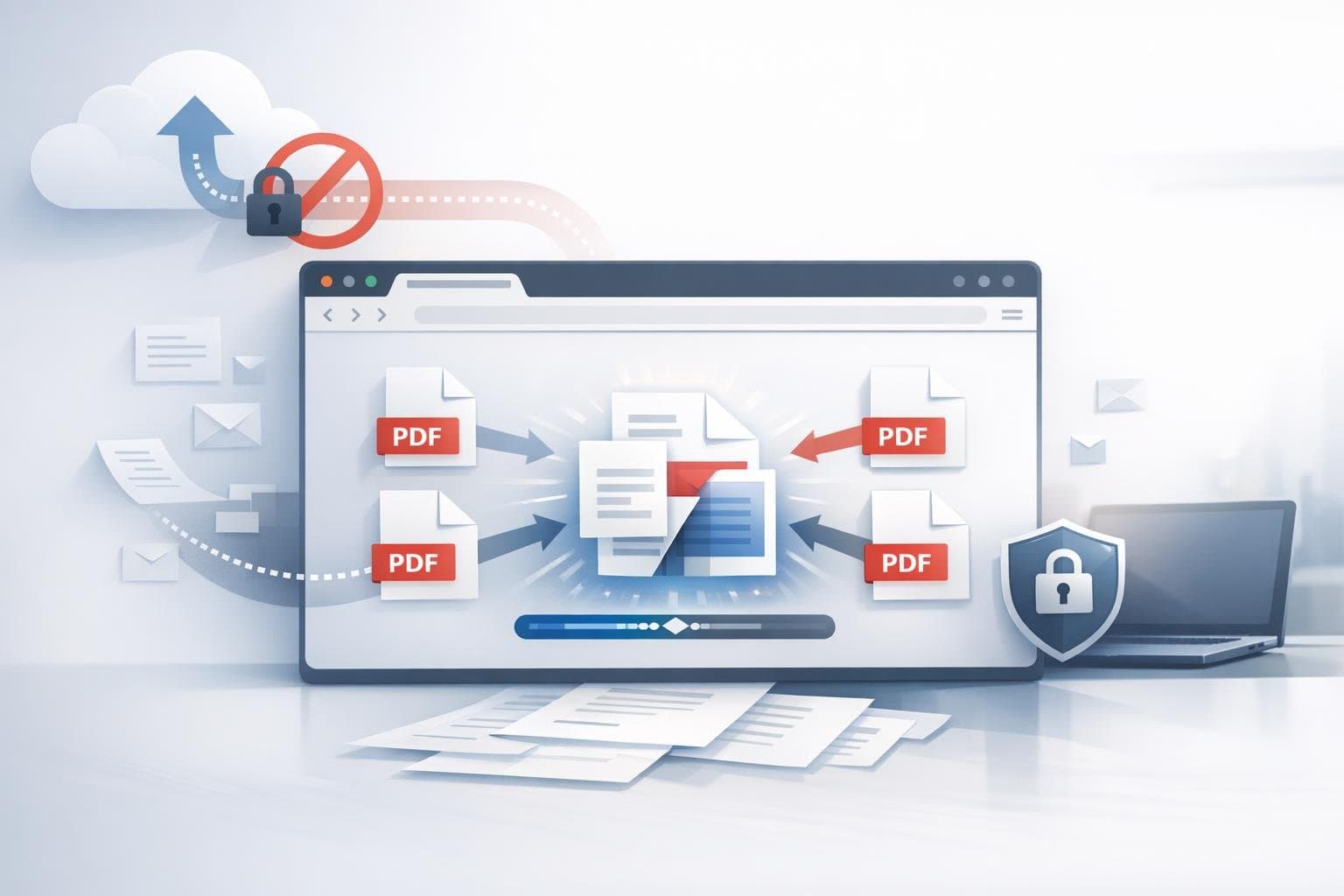
The advantage of browser-based local processing is that files don't need to be uploaded to third-party servers for processing. For documents like contracts, certificates, reports, and internal materials, this distinction is typically more important than simply adding another feature.
Decision Criteria: Ask Yourself These Questions Before Removing a Password
- Do I know the correct password and have clear authorization to work with this file?
- Will this document be distributed externally going forward?
- Am I removing the password to improve internal workflow efficiency, or simply to save effort?
- After removing the password, will the file become more vulnerable to accidental sharing or incorrect archiving?
If you can answer the first two questions clearly, and the risks associated with the latter two are manageable, then removing the password is typically a reasonable action.
Common Misconceptions
1. Does "PDF decryption" necessarily mean password cracking?
Not necessarily. More commonly, you already know the password and simply want to remove it in an authorized context.
2. Will the document content change after removing the password?
Under normal circumstances, no. You're handling access restrictions, not reformatting the content layout.
3. Are all restricted PDFs suitable for immediate unlocking and saving?
No, not always. Especially for external files and highly sensitive materials, keeping the password in place is often more secure.
If you already know the correct password for the PDF and just want to archive, merge, split, or print it, try the O.Convertor Online PDF Unlock Tool. If you still face structural compatibility issues after unlocking, you can also read When to Perform PDF Format Repair.