
How to merge PDFs? Merge multiple files online for free without uploading
Merging PDFs is one of the most common document handling tasks in work and study. Whether organizing contract attachments, merging scanned pages, or combining multiple reports into a single file, the main concern is often not 'if it can be merged' but 'whether sensitive files should be uploaded.'O.Convertor's Online PDF Merge Tool processes files locally in your browser. It not only merges multiple PDFs but also lets you select pages before combining, making it perfect for handling privacy-sensitive documents.
How to Merge Multiple PDFs into One for Free: Complete in Four Simple Steps
With O.Convertor, the PDF merging process is precise, intuitive, and instant—and it's completely free.
-
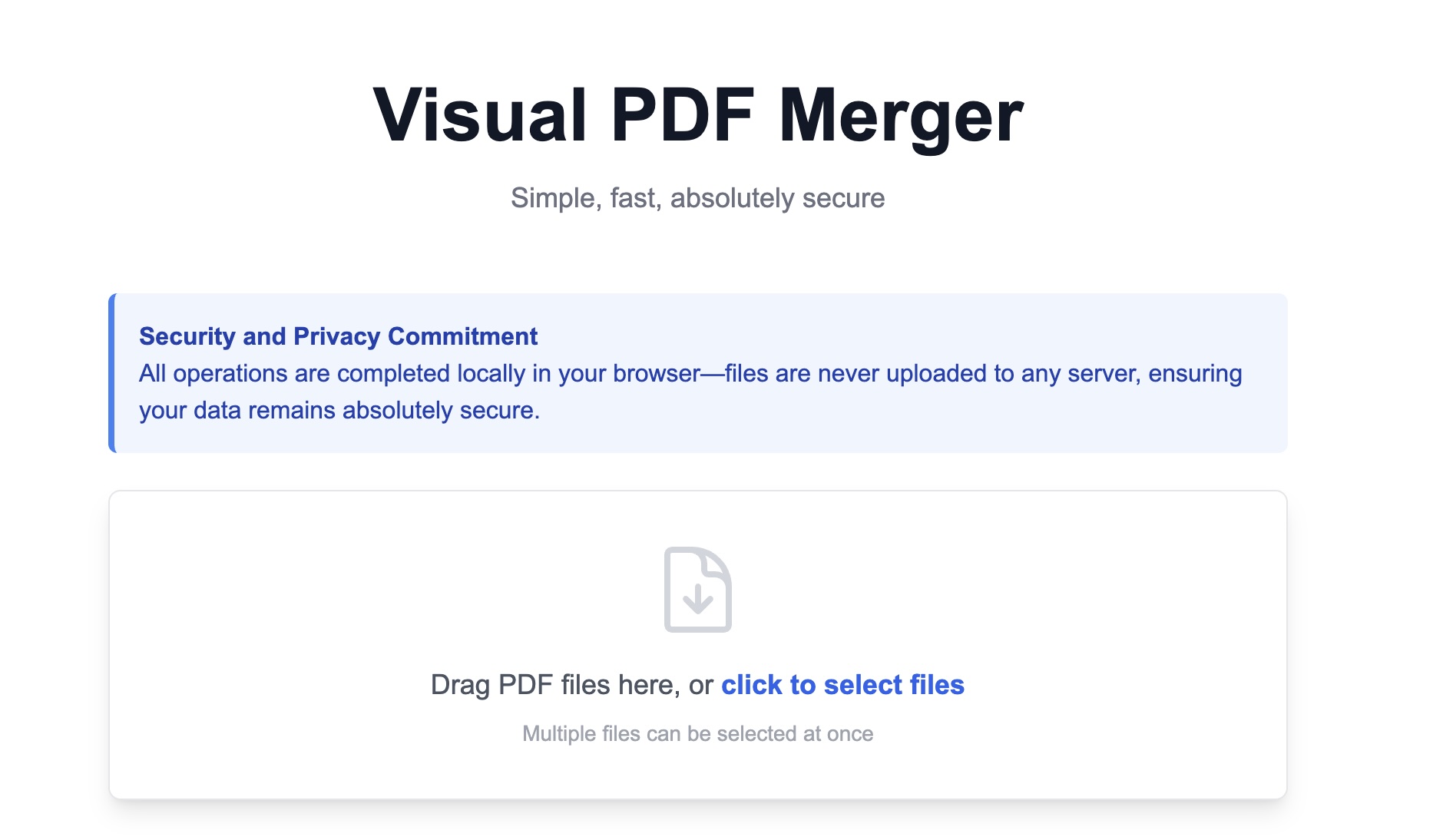
Select Your Local PDF Files Simply drag and drop the multiple PDF files you need to merge directly into the tool area. Rest assured, your files are processed directly in your browser, with absolutely no uploading to servers required throughout the entire process, guaranteeing 100% security. Even better, everything is completely free!
-
Select Pages to Merge (Optional) This is an incredibly powerful free feature. Below each file, you'll see an input box. By default, it merges the entire PDF. But if you only need specific pages from each file, you can enter page numbers or ranges here. For example, entering "1-3, 8" will extract only pages 1, 2, 3, and 8.
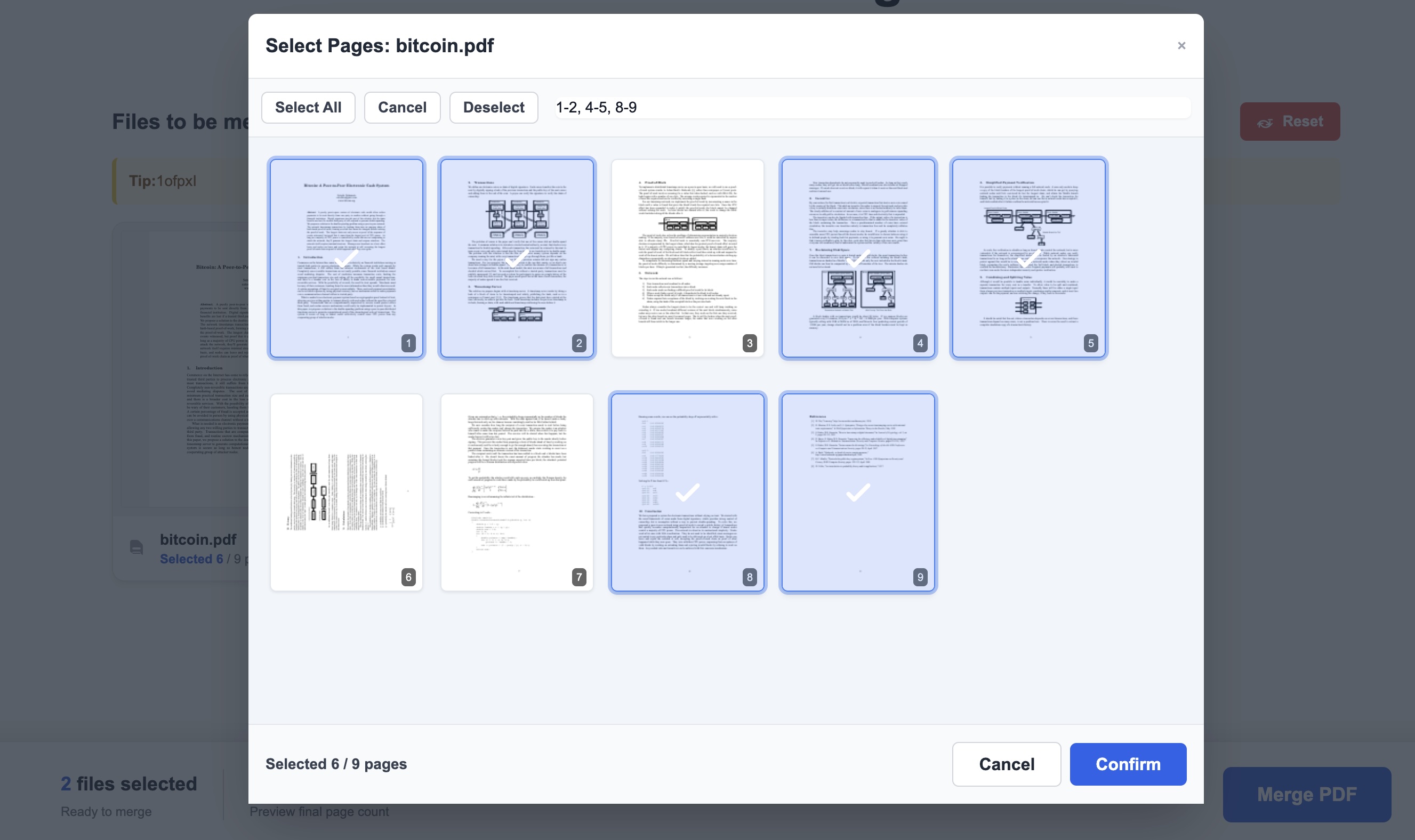
- Adjust File Order After selecting your files and page ranges, you can simply hold and drag file cards to easily rearrange their order, ensuring your final merged document maintains perfect organization. This powerful sorting feature is completely free of charge.
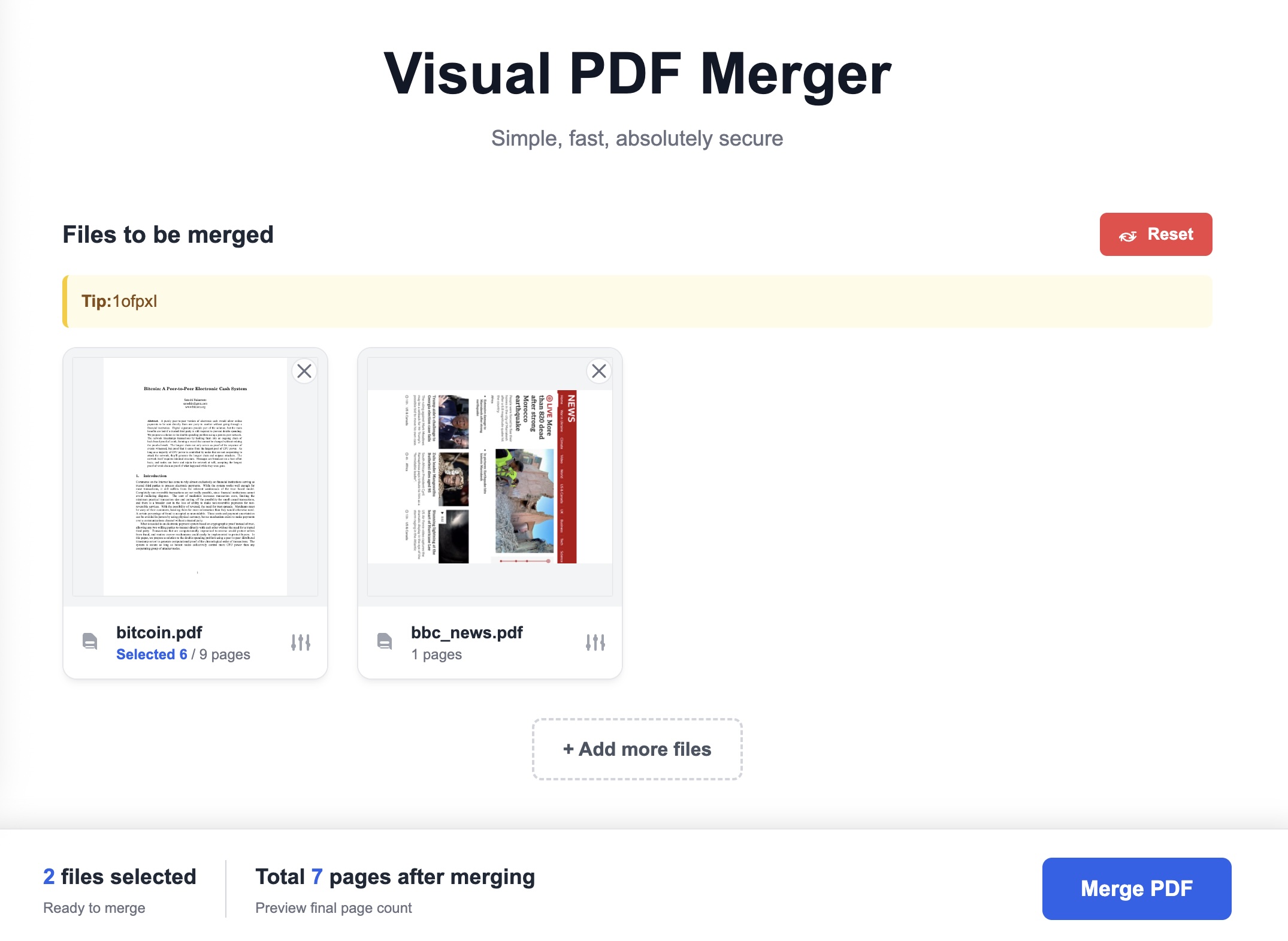
- Instantly Merge and Download for Free Once you've confirmed all settings are correct, simply click the "Merge PDF" button. Our advanced tool will instantly integrate all your selected pages into a brand new PDF directly within your secure local browser—completely free—and automatically trigger the download for immediate access. The entire process is lightning-fast, eliminating all waiting time for uploads and downloads.
Why 'No Upload Required' is the Only Secure Choice for Sensitive Files
Traditional online tools force you to upload files, process them on remote servers, and download results—each step creating potential security vulnerabilities and data breach risks. O.Convertor's free, ultra-secure PDF merger revolutionizes this approach by harnessing your browser's computing power to complete all processing locally on your device. This breakthrough technology ensures you enjoy completely free service while maintaining absolute privacy protection and maximum data security.
- For finance professionals managing reports: Effortlessly extract summary pages from multiple monthly reports and merge them into powerful executive overview documents. Throughout the entire process, you can rest assured that your sensitive financial data never leaves your computer, and there are absolutely no fees required.
- For legal and administrative professionals organizing contracts: Simply extract the main content from your primary contract, pull signature pages from various attachments, then seamlessly merge them into one final execution-ready document. O.Convertor's secure offline processing mode, combined with its completely free features, delivers absolute confidentiality for your information while maximizing cost-effectiveness.
- For students preparing comprehensive review materials: Effortlessly select key chapters from different course materials (such as pages "5-10"), extract introductions and conclusions from research literature (such as pages "1-2, 15"), and merge these essential sections into a powerful review notebook—completely free. All operations process locally on your device, delivering both significant cost savings and complete peace of mind.
Frequently Asked Questions (FAQ)
1. Is online PDF merging really safe? Will my files be compromised? Absolutely secure. With O.Convertor's powerful tool, your files never leave your computer. All merging operations are processed entirely within your local browser, ensuring we cannot access any of your file content whatsoever. It delivers the same level of security as your own desktop software, yet this premium service remains completely free.
2. Can I merge only specific pages from a PDF? Is this advanced feature free? Absolutely! This is one of O.Convertor's most impressive capabilities, and this sophisticated functionality is entirely free of charge. Below each PDF file added to your merge list, you'll find an intuitive page selection box. You can enter specific page numbers (such as '1, 5') or page ranges (such as '2-7') to merge only the sections you need. If left blank, the tool will automatically merge the entire document.
3. Is this free PDF merger tool fast in processing? Absolutely! It delivers lightning-fast performance. Since the entire process completely bypasses uploading and server queue delays, merging speed depends solely on your computer's performance. For most everyday documents, merging is completed virtually instantly. Best of all, this powerful functionality is completely free, ensuring you never pay extra for superior speed and convenience.
Next step: split by page or continue organizing your PDF
If, after merging, you find the order needs slight adjustment or you want to keep only a few pages, you can continue using our free online PDF split tool. If you're still wondering about the difference between ‘merging locally’ and ‘uploading to the server for processing,’ check out this article: Why local PDF merging is safer than uploading files.