
How to Remove PDF Watermarks? First Determine the Watermark Type, Then Choose the Right Removal Method
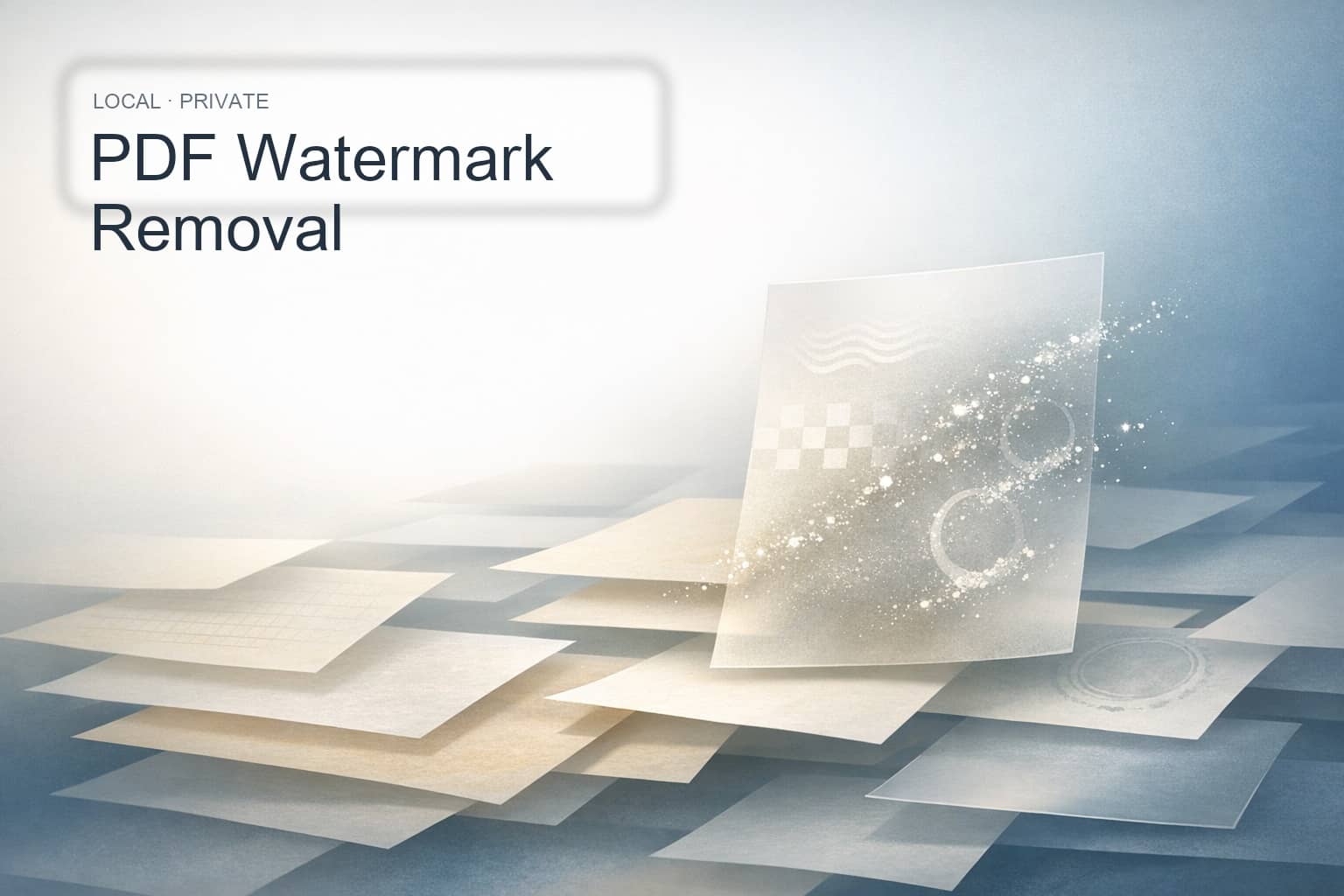
If you’ve ever faced the issue where the PDF clearly has a watermark but no matter what you do, you can’t remove it completely, the problem usually isn’t the lack of tools — it’s that PDF watermarks don’t have a fixed structure. Some watermarks are annotations or stamps, some are duplicated text, others are actually images, and some come from shared content streams. Only by first identifying their source can you remove them effectively.
If you're looking to safely handle local documents, you can use the PDF Watermark Remover Tool directly. It first detects removable items in your document right in the browser, then lets you select what to remove before exporting the results. Since files don't need to be uploaded, it's particularly well-suited for contracts, course materials, scanned documents, and internal materials.
Quick Answer: What's the Most Reliable Way to Remove PDF Watermarks?
The most reliable approach isn't 'see a watermark and one-click delete it,' but rather first determining where it comes from, then removing it after identifying and confirming the instances. Annotation-type watermarks are usually the easiest to handle; Repeated text or shared stream content that can be reliably mapped to content streams are also fairly straightforward to remove; Watermarks deeply embedded in background images or complex path drawings require a more conservative approach.
Why Are So Many PDF Watermarks Hard to Remove Completely?
Because 'watermarks' in PDFs commonly come from four different sources:
- Annotation-based: Annotation objects like
StampandWatermark—these have the clearest structure. - Repeated Text Type: Header-style text, diagonal text, or scattered character watermarks that repeat on every page.
- Image / XObject Type: Looks like a faint gray background image, but it's actually a repeatedly rendered image resource.
- Shared Host Stream / Content Stream Type: The same
formor other shared stream attached to multiple pages—visually it appears on every page, but it's all coming from the same set of instructions.
This is why some PDFs can't be fixed by taking screenshots and painting over them, changing the file extension, or re-exporting. You're only treating the visual output, but what you actually need to address is the content source.
A More Reliable PDF Watermark Removal Workflow
Usually these four steps will do the trick:
- Upload your PDF and let the tool detect watermarks and repeated content first.
- Check out the items listed on the right panel and confirm which ones are actually what you want to remove.
- Just tick the items you want to handle, then generate the results.
- Compare the original PDF and processed PDF side-by-side on the left to confirm the changes before downloading.
The beauty of this workflow is that you won't accidentally delete legitimate body text just because something "looks like a watermark," and you'll better understand why certain items can be fully processed while others can only be partially handled. For sensitive files, local browser processing also gives you better peace of mind.
When is removal easier, and when should you be more conservative?
Generally speaking, watermarks that can be reliably mapped to annotation objects or have clearly defined content stream boundaries have a higher processing success rate; Cases like cross-page text in shared form streams, or repeated text that maps to actual operators—these are also good candidates for removal.
But if the watermark has been deeply baked into a background image, or the path drawing is highly complex, or the main content and watermark share the same drawing structure, you shouldn't try to forcefully strip it out with aggressive methods. In those situations, a more realistic goal is to 'reduce visible watermarks as much as possible' rather than expecting to automatically erase every last trace.
Bottom Line: Identify the Source First, Then Remove the PDF Watermark
When you want to remove a PDF watermark, the key isn't hunting down more 'remove watermark' buttons—it's figuring out whether you're dealing with an annotation, repeated text, an image, or something rendered inside a shared content stream. Get the source right, and your removal approach will be much more solid.
If you've got a file that needs processing right now, go ahead and try O.Convertor's PDF watermark removal tool. If you’re still unsure whether the problem lies with a watermark, password restrictions, or a structural issue, you might also want to check out the PDF Password Removal Guide and When to Use PDF Format Repair.