
How to Generate a Favicon? A Practical Guide for Website Developers and Site Operators
When preparing website icons for an official site, blog, SaaS product, or tool website, the biggest challenge is often not creating a small image, but having a complete set of favicon.ico, PNG, SVG, and the various sizes required for different devices ready at once. With O.Convertor, a completely free Favicon generator, you simply upload a logo or image to instantly create a full icon package directly in the browser—no uploads required—making it ideal for managing brand assets.
How to Create a Perfect Favicon for Free: Complete in Four Steps
-
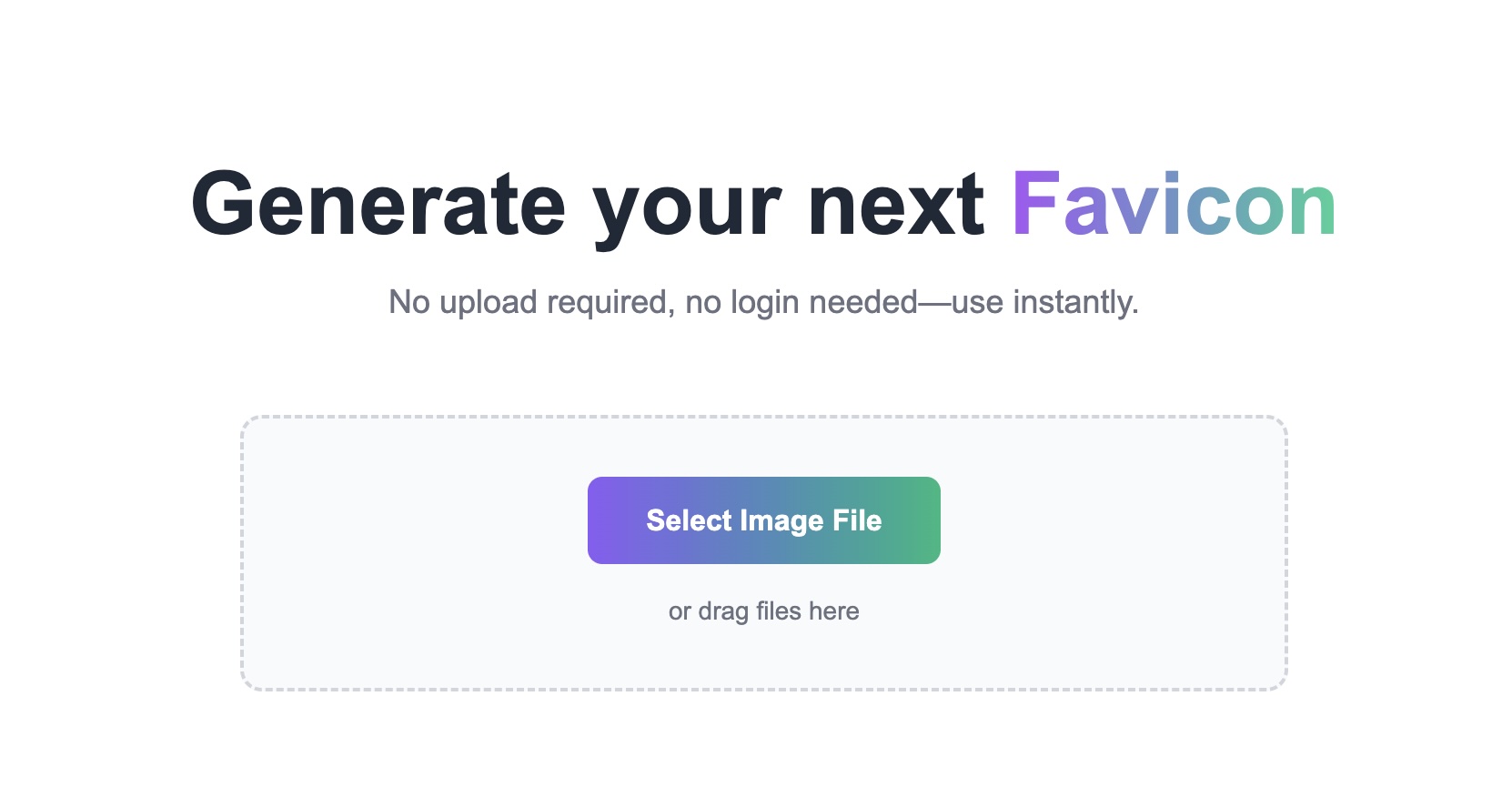
Drag Your Brand Logo into the Tool Drag and drop your brand logo image (square high-resolution images recommended) into our free tool's designated area, or click to select a local file. Your design assets are processed directly in your browser, with no server uploads required throughout the entire process, ensuring 100% security.
-
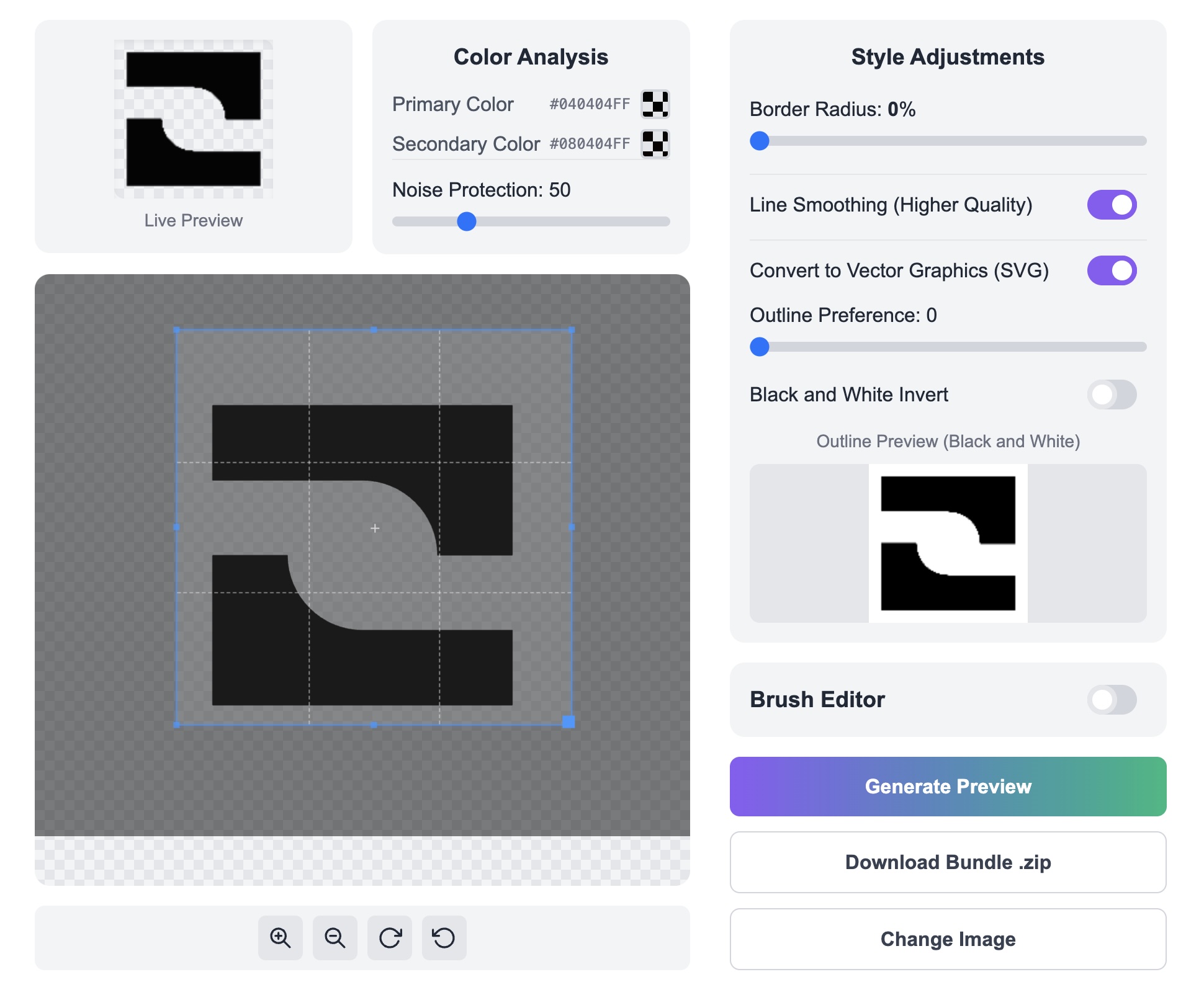
Preview and Fine-tune (Optional) The tool automatically previews the generated favicons in different sizes. You can also leverage our advanced features such as 'Logo Primary/Secondary Color Conversion' or 'Logo to SVG' for fine-tuning to achieve optimal visual results.
-
One-Click Free File Package Generation Click the 'Generate Favicon' button, and O.Convertor instantly packages all formats and sizes into a convenient ZIP file.
-
Download and Install to Your Website Download the ZIP package, extract the files and upload them to your website's root directory, then add the corresponding link code to the
<head>section of your HTML.
Why is a Good Favicon Crucial?
A well-crafted favicon serves as the silent testament to your website's professionalism.
-
For web developers, time is money. You no longer need to spend time researching optimal favicon dimensions or manually converting images to ICO format. O.Convertor's free favicon generator enables you to complete all the work in seconds, allowing you to focus on core development tasks.
-
For website owners and marketers, a clear, consistent favicon is a key component of brand identity. It appears in browser tabs, bookmark bars, and mobile device home screens, serving as the first visual element users rely on to identify your website among numerous competitors. Our tool ensures your logo displays at the highest quality everywhere, enhancing brand professionalism and user trust.
Frequently Asked Questions (FAQ)
-
Q: Is this Favicon generator free? A: Yes, completely free. O.Convertor is committed to providing simple, secure, and free tools to help developers and website owners. You can access all features without paying any fees or registering an account.
-
Q: Why do I need so many different favicon sizes? A: Because different devices and platforms have varying display requirements. For example, traditional browser tabs may use 16x16 or 32x32 ICO files, while iOS home screen shortcuts require high-resolution PNG icons. Our free favicon generator creates all required formats in one click, ensuring your website displays perfectly across every platform.
-
Q: Is it secure to upload my logo using online tools? A: For most websites, this poses a genuine security risk. However, O.Convertor is completely different. Our tool utilizes browser-based technology, meaning your image files never leave your computer. This means we do not and cannot store your brand assets, fundamentally guaranteeing the privacy and security of your designs.
What's next?
If you’re still unsure whether your website needs a favicon and which sizes to prepare for various situations, you can continue reading this article: What Is a Favicon? Why Website Icons Affect Brand Recognition. If you already have a logo file and want to start generating favicons right away, you can also directly access the Favicon Generator to go through the process.